
Inklee vs Google Forms
A form buildervs a tattoo booking tool.
Google Forms collects answers. Inklee turns answers into a tattoo booking workflow with approvals, deposits, waitlists, and guest spot structure.



Why this comparison matters
A form collects answers.
A booking flow handles work.
Google Forms can ask whatever tattoo intake questions you want. The answers land in a spreadsheet, and the rest of the booking work happens by hand.
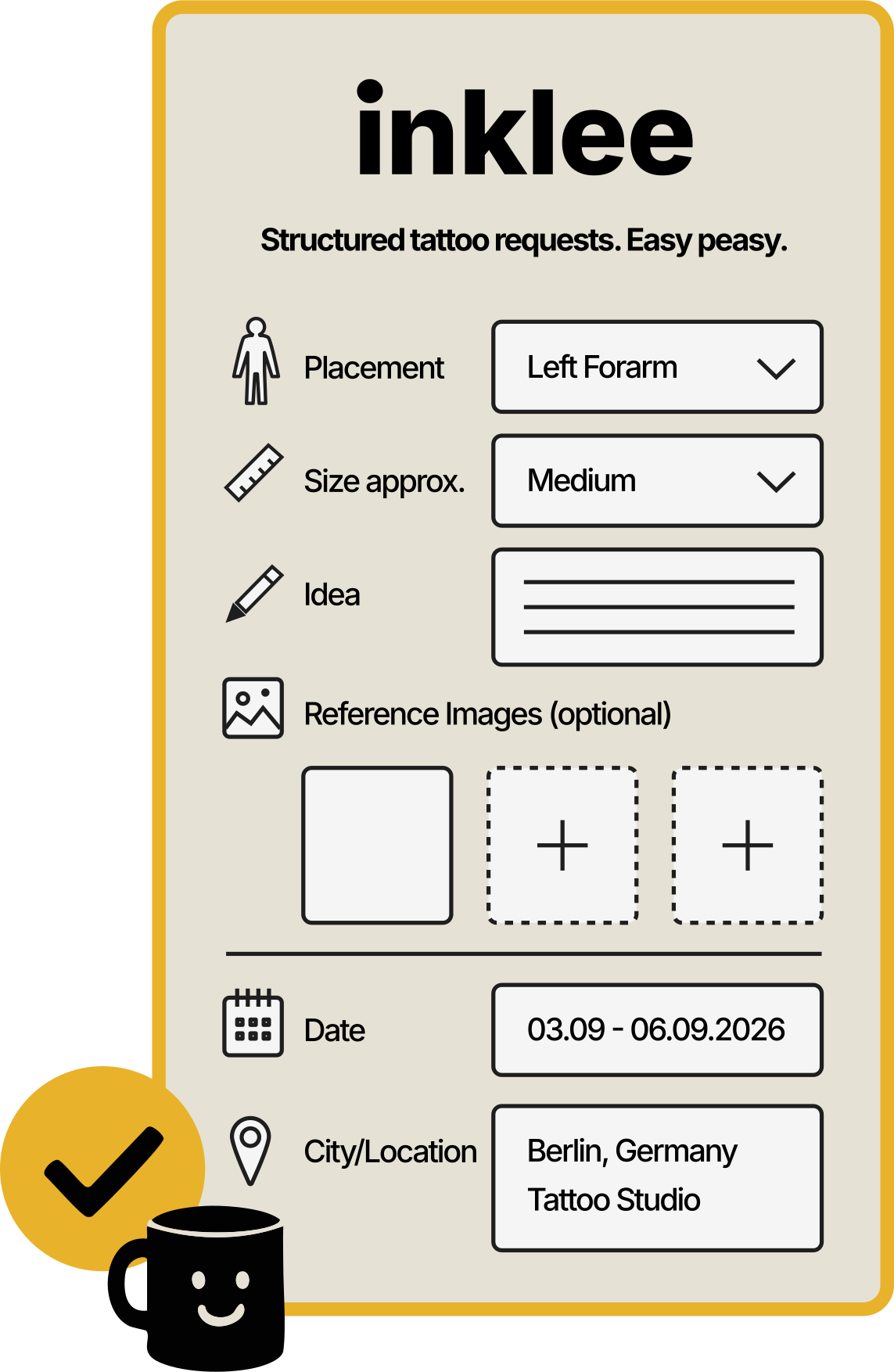
Inklee starts from the same idea (a structured form) but keeps approval, deposit status, waitlist, and guest spot context attached to the request instead of inside a separate sheet.
Where the wrong tool hurts
A generic form
is not a booking tool.
The five gaps that show up once tattoo intake gets serious.
No tattoo-specific request flow
Google Forms can ask custom questions, but it does not understand tattoo intake, artist review, booking status, or what happens after a request comes in.
Responses end up in a spreadsheet
A spreadsheet can store answers, but it does not give artists a clean booking overview with pending, approved, rejected, waitlist, or deposit-related states.
References feel disconnected
Clients can upload files or paste links, but references often end up feeling separate from the full tattoo idea instead of part of one reviewable request.
No real approval workflow
Google Forms collects submissions, but it does not give tattoo artists a native way to review, approve, reject, or move a request forward as a booking.
Guest spots get messy fast
When cities, travel dates, and booking windows enter the picture, a basic form can become another manual sorting job.
How Inklee fits
Inklee turns intake
into a booking flow.
The same structured form, plus the artist tools that should come after it.
Structured tattoo requests
Clients submit idea, placement, size, description, references, images, timing, and contact in one go.
Artist review before approval
Requests do not become bookings automatically. The artist decides what moves forward.
Booking states that make sense
Pending, approved, rejected, deposit pending, waitlist, cancelled. Not just rows in a sheet.
Deposit-aware workflow
Deposits are part of the booking flow. Availability depends on your setup and enabled features.
Guest spot structure
City, dates, and booking windows are first-class, not another sheet column.
Side by side
Google Forms vs Inklee.
Where Google Forms still works
Google Forms still works
in the right places.
A free form builder is fine when the request volume is low and the workflow is simple.
Very low request volume
If you only get a few requests per month, a simple form may be enough for basic intake.
Temporary testing
Google Forms can work when you only want to test which questions clients should answer before building a proper booking flow.
Simple contact collection
If you only need names, emails, and one message field, Google Forms can do the job.
Non-booking surveys
For feedback, polls, or general research, Google Forms is still a practical tool.
Where Google Forms breaks
When Google Forms
starts fighting the work.
If your booking life happens inside the response spreadsheet, the form is no longer enough.
You live inside the response spreadsheet
If most of your booking work happens after export or inside Sheets, the form is no longer enough.
You manually mark every request status
If you are creating your own pending, approved, rejected, and deposit columns, you are rebuilding a booking tool by hand.
Clients still DM missing details
If the form does not reduce back and forth, it is not solving the real problem.
Guest spots need separate workarounds
If every city needs another form, another sheet, or another manual list, the system is starting to fight your workflow.
FAQ
Google Forms vs Inklee, answered.
01Can tattoo artists use Google Forms for booking requests?
Yes. Google Forms can collect basic tattoo request information, especially for artists with low request volume. It becomes limited when artists need approval states, deposit tracking, guest spot structure, waitlists, or a cleaner booking overview.
02What is the main difference between Google Forms and Inklee?
Google Forms collects answers. Inklee is built around the tattoo booking workflow: request intake, artist review, approval decisions, booking states, deposits, waitlists, guest spots, and organized bookings.
03Is Google Forms bad for tattoo artists?
No. Google Forms is not bad. It is just generic. It can work for simple intake, but it was not made specifically for tattoo artists or the way tattoo booking decisions are usually made.
04Why do tattoo artists outgrow Google Forms?
Artists usually outgrow Google Forms when submissions increase, requests need review, references need context, deposit status becomes important, or guest spot bookings need city and date structure.
05Does Inklee replace Instagram?
No. Instagram can still be where clients discover the artist. Inklee gives artists a cleaner booking link so serious requests do not stay trapped in scattered DMs.
06Does Inklee replace Google Sheets?
Inklee can reduce the need to manage tattoo requests through spreadsheets. Instead of manually tracking form responses in rows and columns, artists can review booking requests in a more tattoo-specific flow.
07Can Inklee handle deposits?
Inklee is built to make deposits part of the booking flow. Availability depends on your current setup and enabled features.
08Is Inklee only for established tattoo artists?
No. Inklee is useful for solo artists, freelance artists, traveling guest spot artists, and growing artists who want more structure before their booking process becomes messy.
09Is Inklee a good Google Forms alternative for tattoo artists?
Yes. Inklee is a Google Forms alternative built for tattoo bookings. Instead of collecting answers into a spreadsheet, it keeps the request, artist approval, deposit status, waitlist, and guest spot context together in one booking flow.
More to read
Keep going.
Best booking app for tattoo artists
See how seven booking tools stack up for tattoo intake, from forms to studio suites.
Inklee vs Instagram DMs
Compare scattered Instagram messages with a structured tattoo booking request flow.
Tattoo Booking Software
Learn how Inklee helps tattoo artists manage requests, approvals, deposits, waitlists, and guest spots.
Stop running tattoo bookings
through a spreadsheet.
Inklee gives the same structured request, plus the approval, deposit, and guest spot flow Google Forms cannot.