
Tattoo client management software
Client records thatbuild themselves.
Every booking request becomes a client record: contact info, tattoo history, deposits, and your private notes. No spreadsheet to maintain, no data entry.



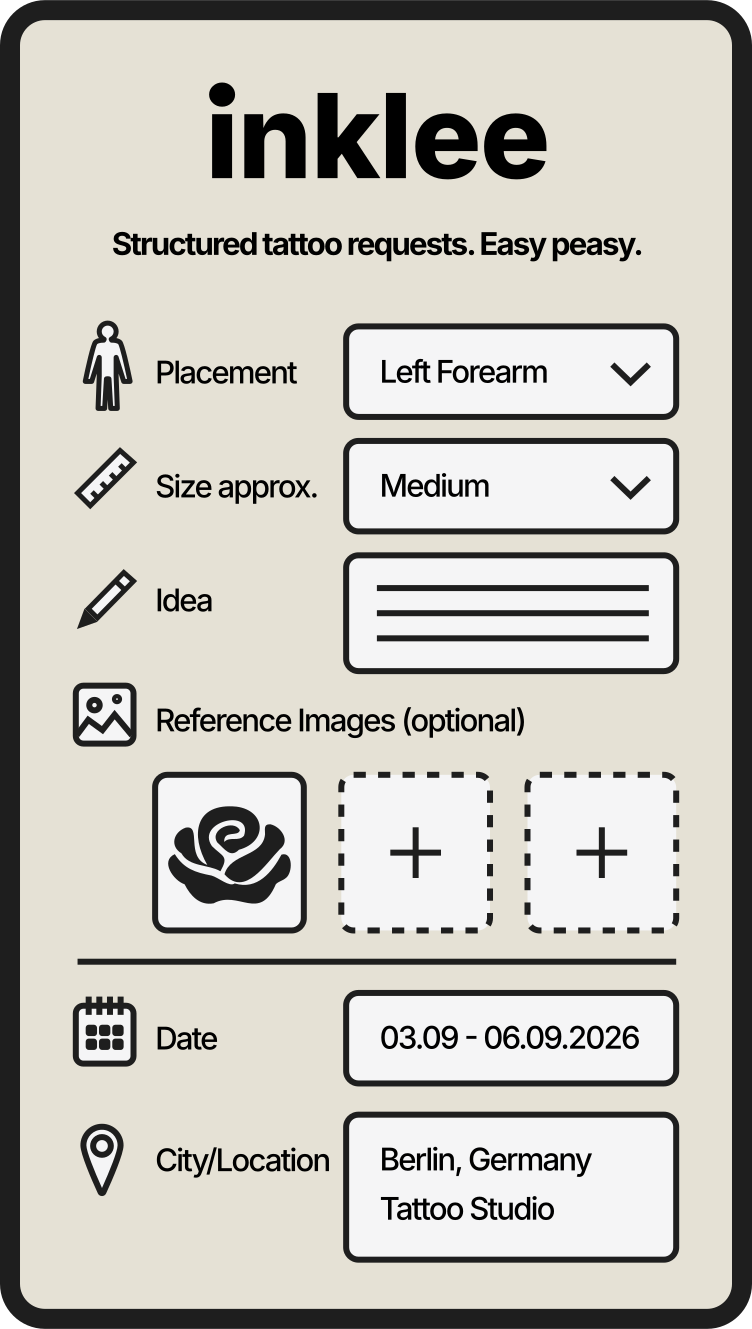
Client management, native to the booking flow
Your clients are already
in your bookings.
Every complete tattoo request already contains the client: who they are, what they want, and how to reach them. Inklee keeps that as a living record instead of letting it sink into chat history.
Client information, client notes, and tattoo history, kept in the same system that handles your requests, deposits, and reminders.
Why DM archaeology fails
Scrollback is not
client management.
The information exists. It is just spread across chats, notes apps, and memory, where it quietly expires.
Client information lives in five places
Names in DMs, dates in a calendar, references in camera rolls, deposit notes in a chat thread. Nothing connects.
Returning clients look like strangers
Someone you tattooed last year messages again, and you are scrolling old chats trying to reconstruct what you did and how it went.
Session context disappears
Placement, size, references, and timing were all in the request, but by appointment week they are buried under newer messages.
Notes do not survive the inbox
Skin sensitivity, style preferences, how the last session went: memory and chat scrollback are not a system.
Spreadsheets need feeding
A client spreadsheet only works if you maintain it after every booking, which is exactly the admin that gets skipped.
What Inklee keeps for you
One record per client.
Built from real bookings.
No setup and no imports. The client list assembles itself from the requests you already receive.
Records build themselves
Every booking request creates or updates the client's record automatically. No data entry, no importing, no upkeep.
Contact details stay attached
Email and Instagram handle stay connected to the client, exactly as they arrived with the request.
Tattoo and booking history
Every request from that client with placement, size, dates, booking status, and deposit amounts, in one view instead of scattered chats.
Private notes
Keep your own notes per client: style preferences, session details, anything worth remembering. Only you can see them.
Returning clients are obvious
Booking counts and history make repeat clients visible at a glance, so a familiar name never gets treated like a cold request.
Honest boundaries
Built for artists,
not for sales teams.
Search on the go
In the Inklee mobile app, search your clients by Instagram handle or email. On the web, the full client list lives next to your bookings.
Clients never need an account
Client records exist for you. Your clients just send requests and get emails; they never sign up for anything.
Not a marketing database
There are no newsletters, campaigns, or lead scoring here. Client data stays scoped to bookings, which is what artists and GDPR both prefer.
Connected to the rest of the flow
The same record ties into deposits and reminders, so payment status and appointment follow-ups always know who they are about.
What changes
Know your clients.
Skip the admin.
Recognize the regulars
See who keeps coming back and treat them like it, without archaeology in your DMs.
Walk in with context
Before a session or a reply, one look at the record shows the history, the notes, and the open deposit.
Notes that outlive your memory
What you noted after the last session is still there at the next request, even a year later.
Zero maintenance
The list stays current because it is built from the bookings themselves, not from your discipline with a spreadsheet.
FAQ
Tattoo client management, answered.
01How are client records created?
Automatically. When someone submits a booking request, Inklee creates or updates their client record from it. There is no manual data entry and nothing to import.
02What is in a tattoo client record?
Contact details (email and Instagram handle), every booking request with placement, size, dates, and status, deposit amounts where relevant, and your private notes.
03Can I keep private notes on a client?
Yes. Each client has a notes field only you can see: style preferences, session details, whatever helps next time.
04Can I search my client list?
In the mobile app you can search by Instagram handle or email. On the web, the full client list is part of your bookings workspace.
05Is Inklee a CRM for tattoo artists?
It covers what most artists actually need from a CRM: client information, history, and notes connected to bookings. It is not an enterprise CRM: there is no marketing automation, no sales pipeline, and no lead scoring.
06Can I send newsletters or campaigns to my clients?
No. Inklee is not a marketing tool. Client emails are used for booking communication like confirmations, reminders, and deposit follow-ups.
07Do my clients see their record or need an account?
No. Records are private to you. Clients only interact with your booking page and the emails about their own bookings.
08Does client history include deposits?
Yes. A client's booking history shows the deposit amounts and status connected to each booking, so money context is never separate from the person.
More to read
Build the rest of
your booking flow.
Tattoo Booking Software
The full booking flow: structured requests, artist review, deposits, waitlist, and guest spots in one system.
Tattoo Booking Form
The structured request form that feeds every client record: idea, placement, size, references, and contact.
Tattoo Appointment Reminders
Automatic reminder emails and deposit follow-ups that already know which client and booking they are about.

Stop losing clients
to your own inbox.
Let the booking flow build your client list for you.